


How to Register
Step 1: Register a New Apple ID
1. Visit Apple's Official Website https://appleid.apple.com/account
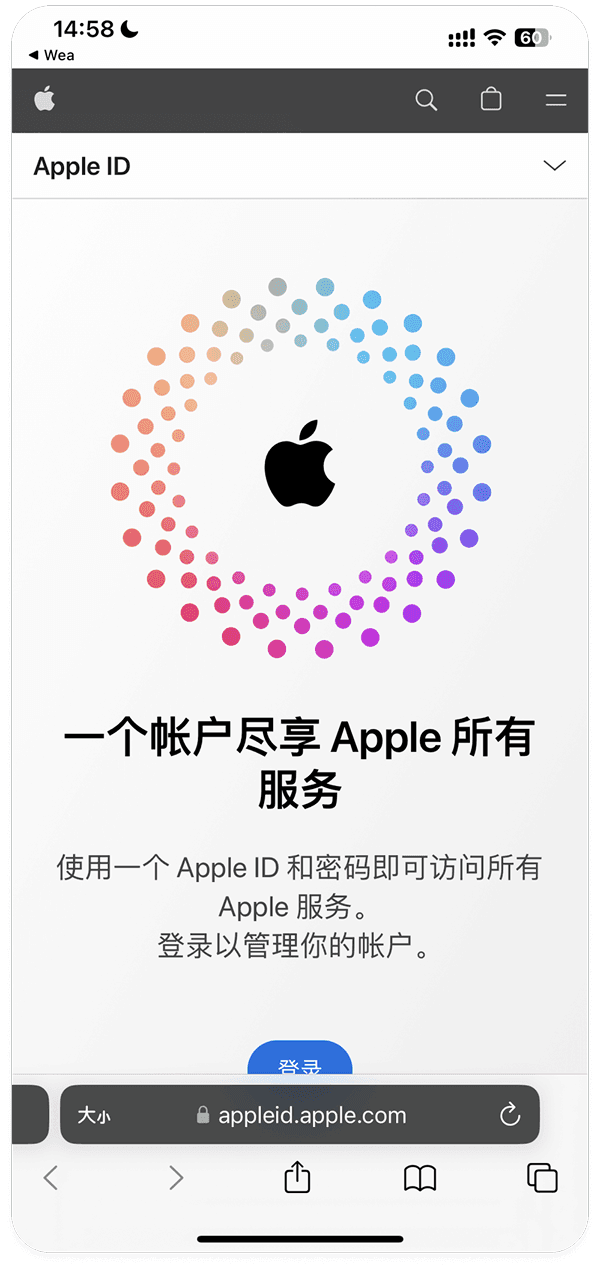
2. Click the dropdown menu in the upper right corner > Select Create Your Apple ID

3. Select region, fill in your email address, and provide a phone number that can receive verification codes
Currently PoPP only supports Apple accounts from regions outside mainland China. You can choose the United States, Vietnam, Japan, South Korea, or other overseas regions for registration and use
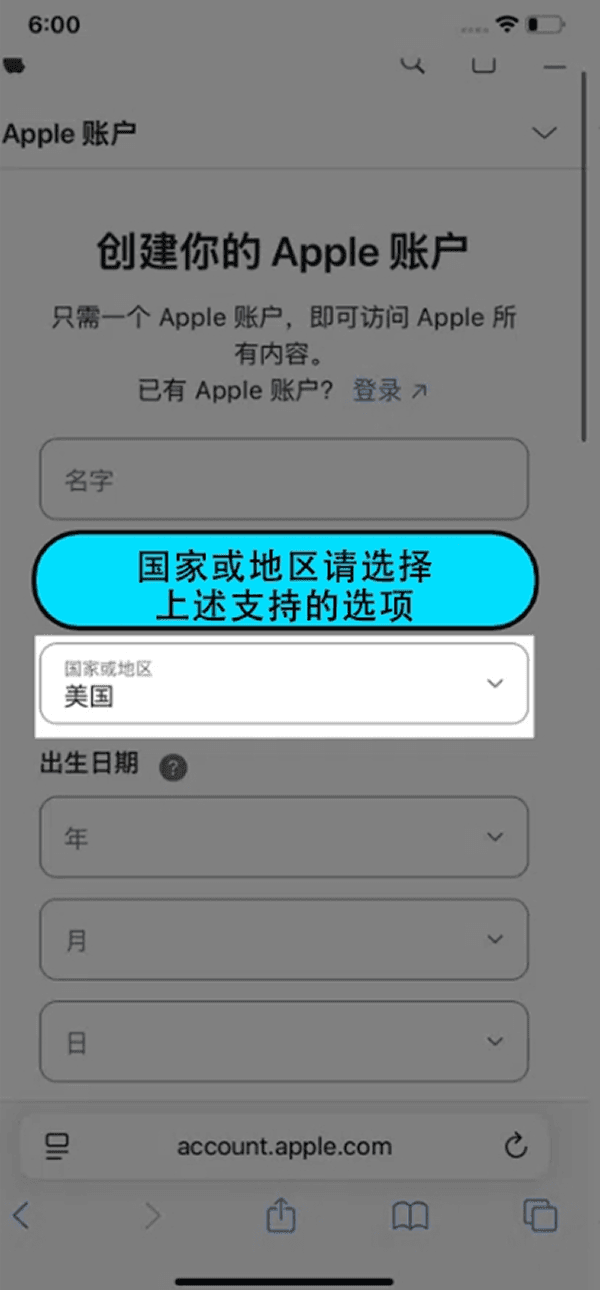
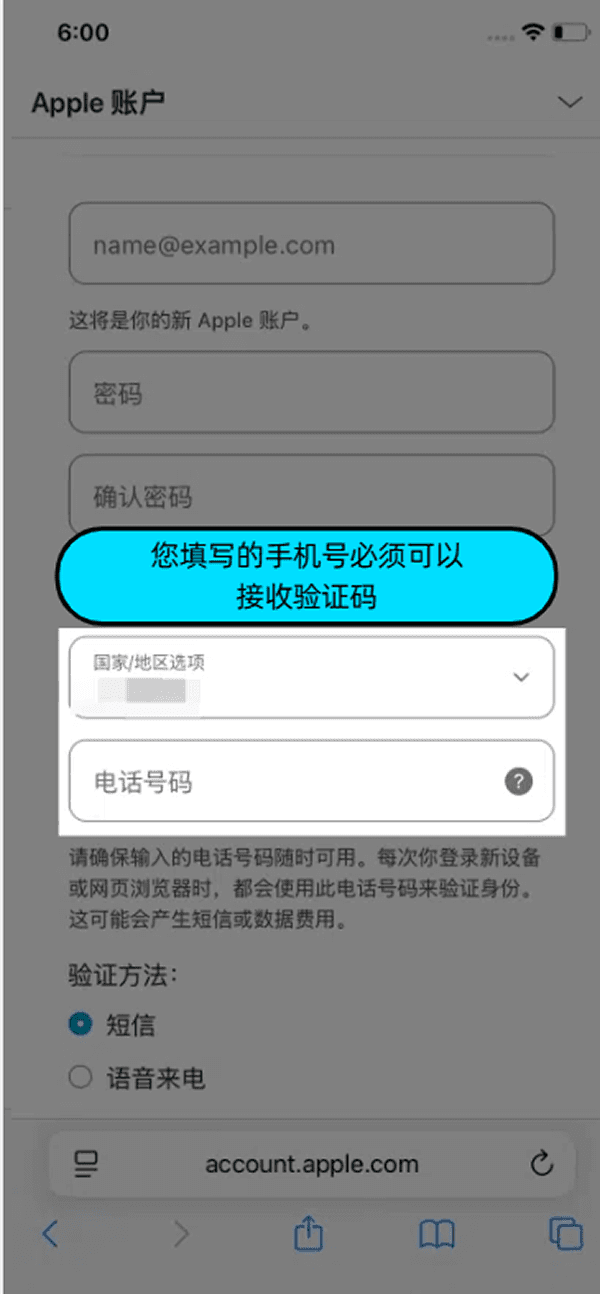
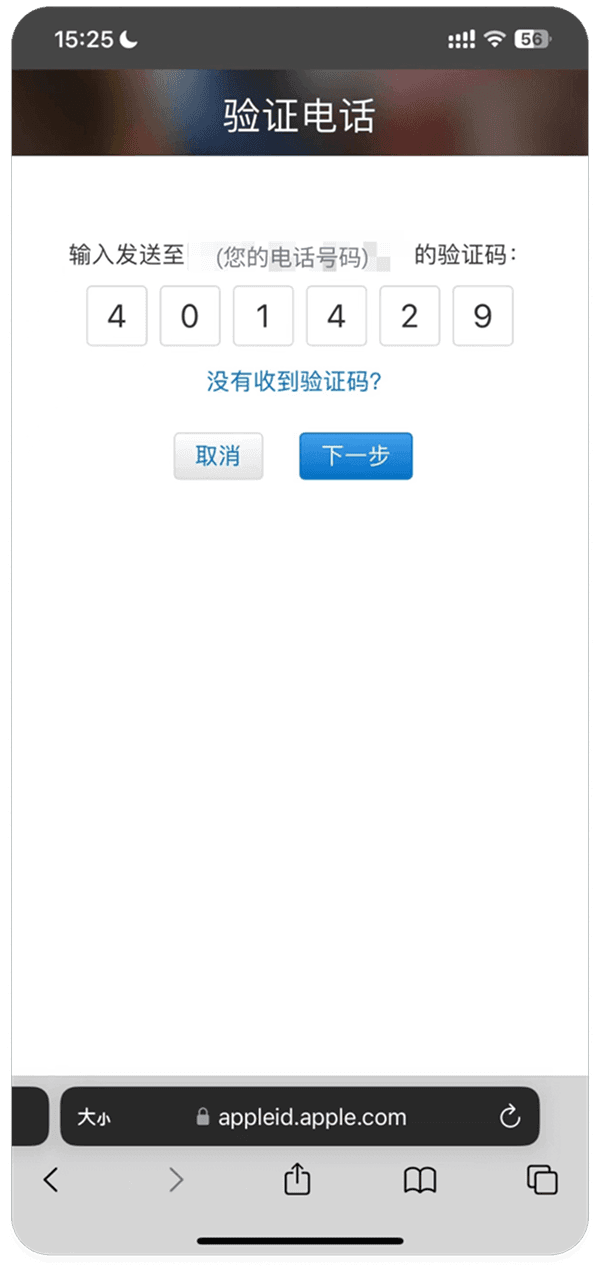
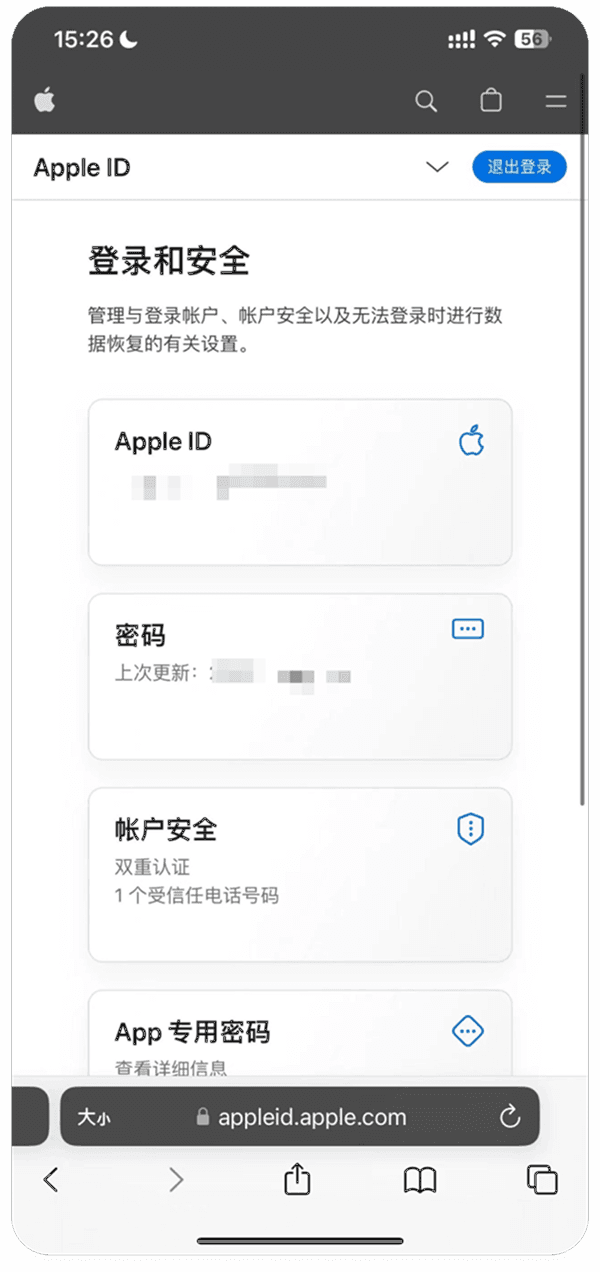
4. After entering the verification codes received via email and phone, you can successfully register your Apple ID
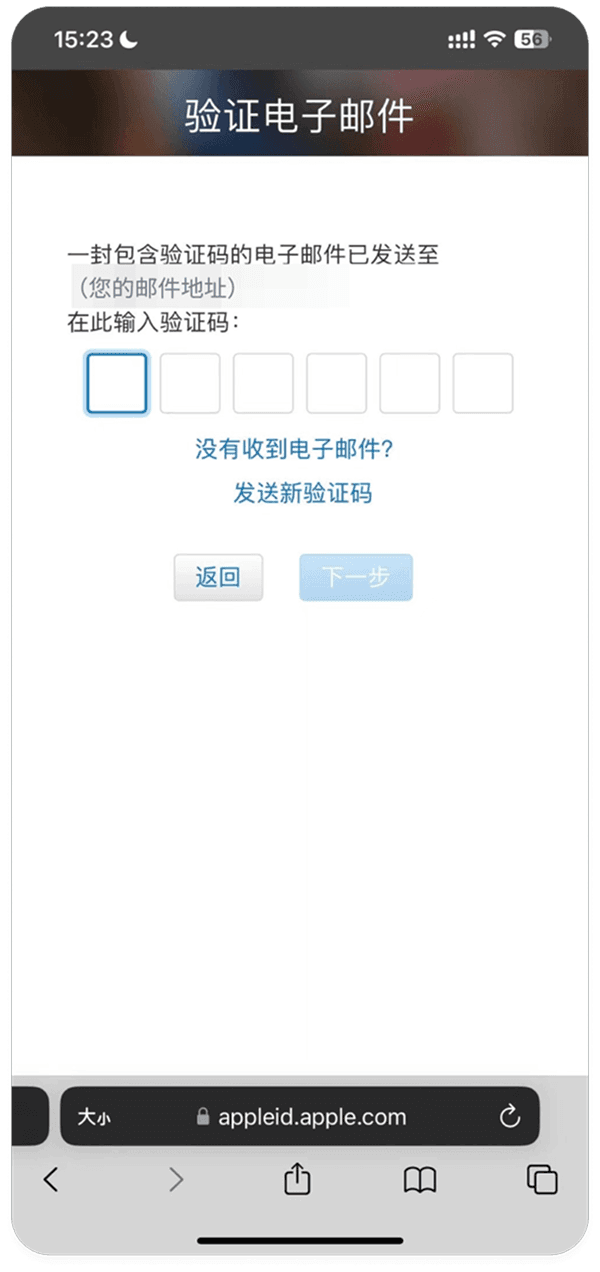
Step 2: Sign in to App Store and Download PoPP APP
1. Open App Store > Sign in with the newly registered Apple ID and password

2. After successful login > Click "Search" > Enter "PoPP" > Click "Get"