


Apple ID Switch Login Guide
1. Open the App Store app and tap the profile icon in the upper right corner

2. Scroll down to the bottom of the pop-up page, tap Sign Out, and re-enter your Apple ID and password from an available region to sign in
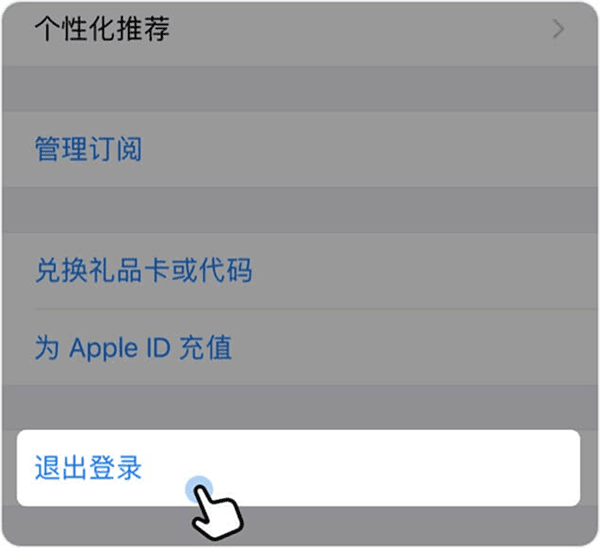
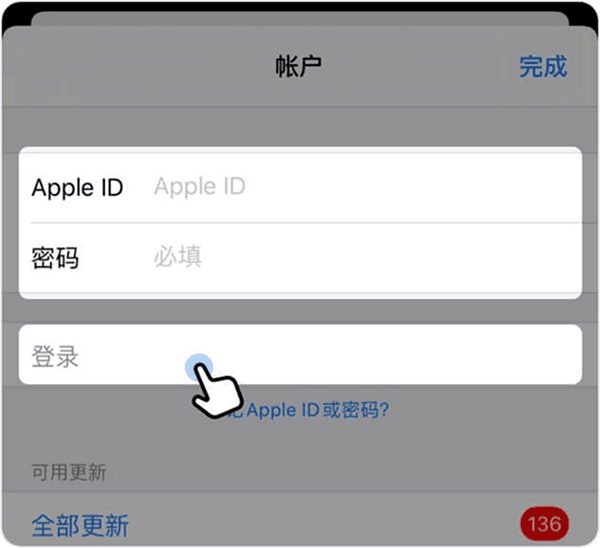
*If you see "Unable to Sign In", you may have switched accounts too frequently. It's recommended to try a different ID or wait a few hours before trying again.
3. Login successfully, click "Search" > enter "PoPP" > click "Get"