


Apple ID Switch Region Guide
Change Apple ID Region Using Your iPhone or iPad
Step 1:
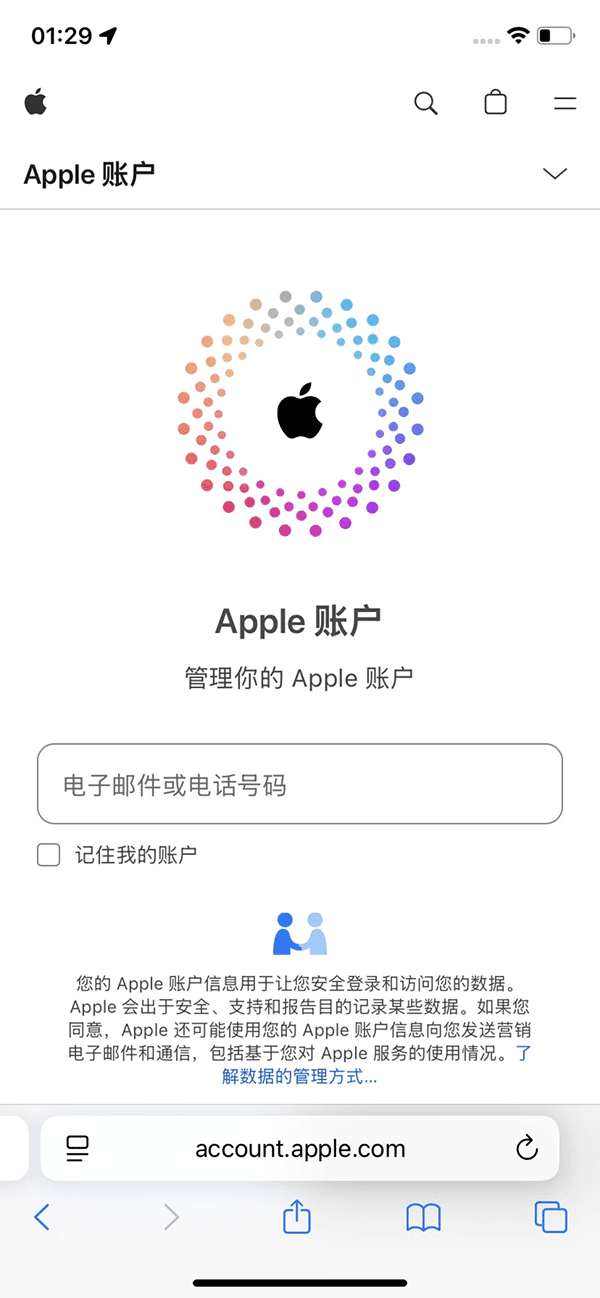
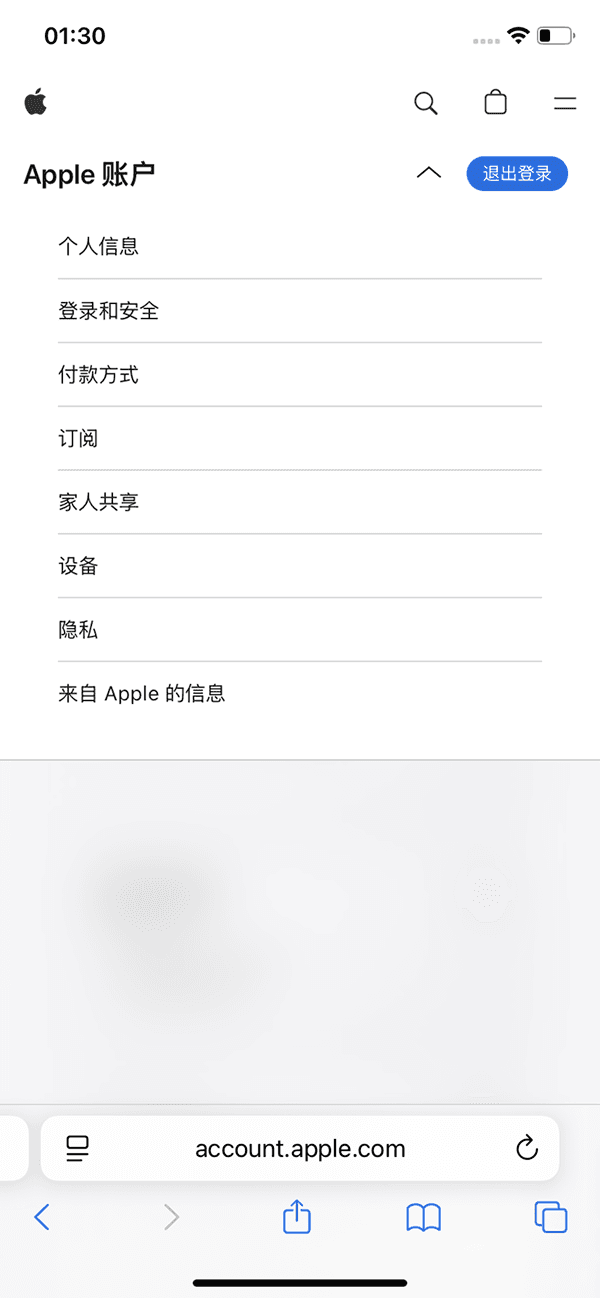
In Safari browser, enter account.apple.com, go to the account login page, after logging in to your Apple ID, click "Apple Account" to view your personal information.
Step 2:
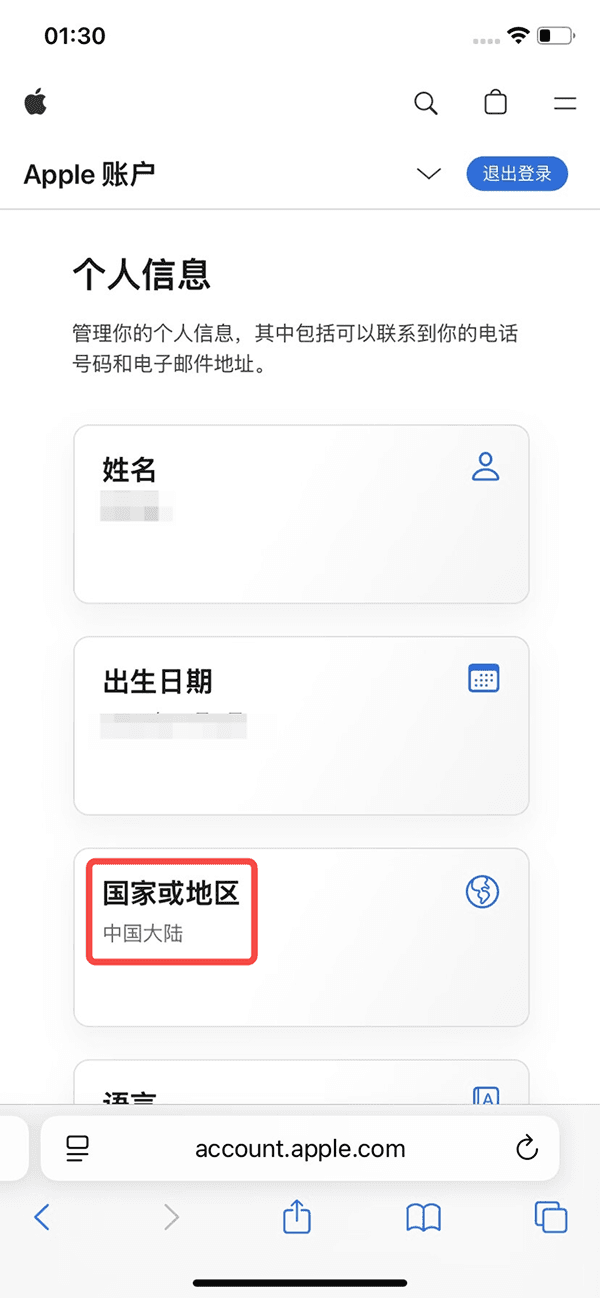
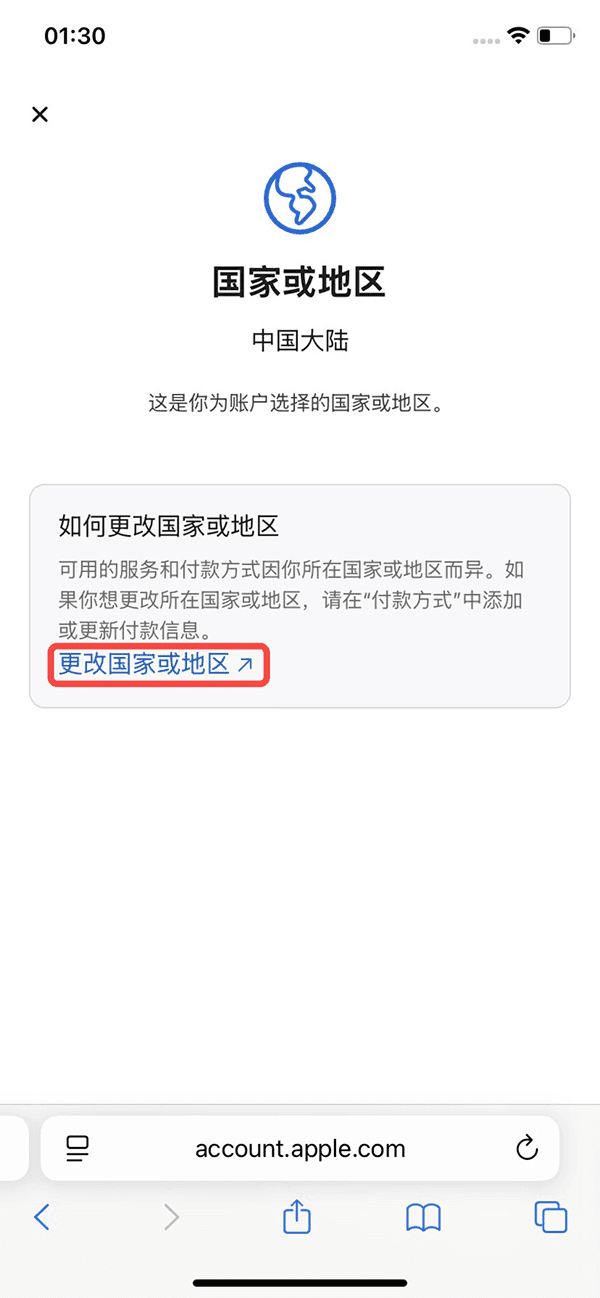
Click the Personal Information button, go to Country or Region settings, click Change Country or Region.
Step 3:
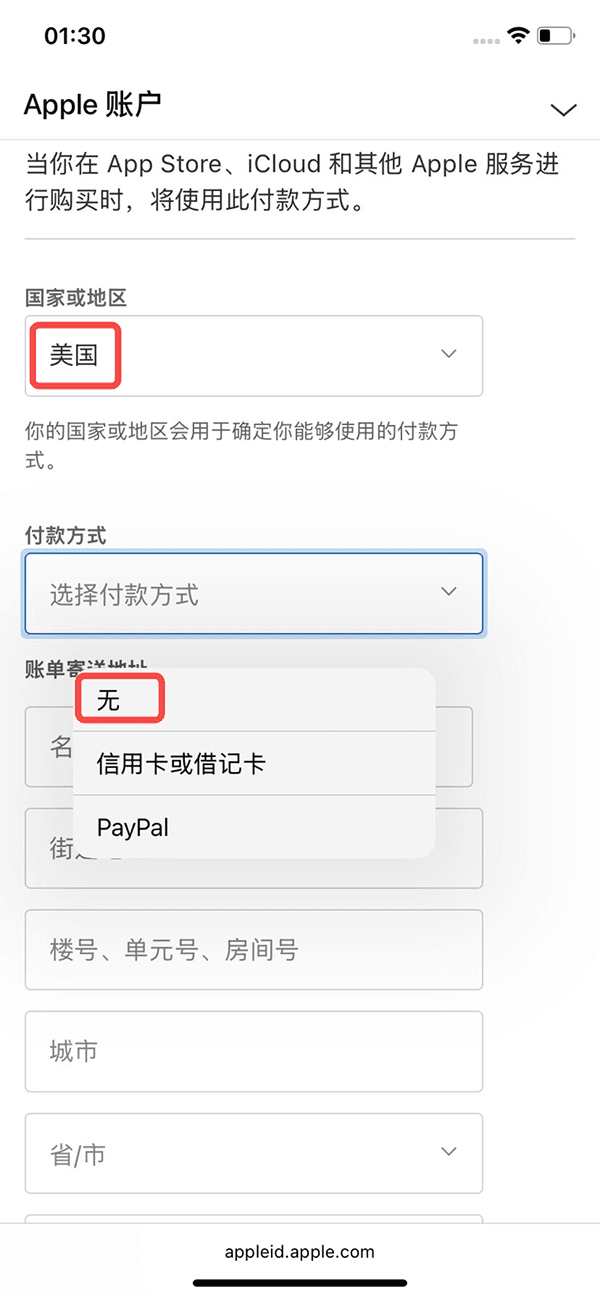
Select an available region for Country or Region, choose None for payment method. For billing and shipping address, you can fill in any combination of numbers and letters. It's recommended to choose California as the city, with zip code 80403, and select the United States for the shipping address country.
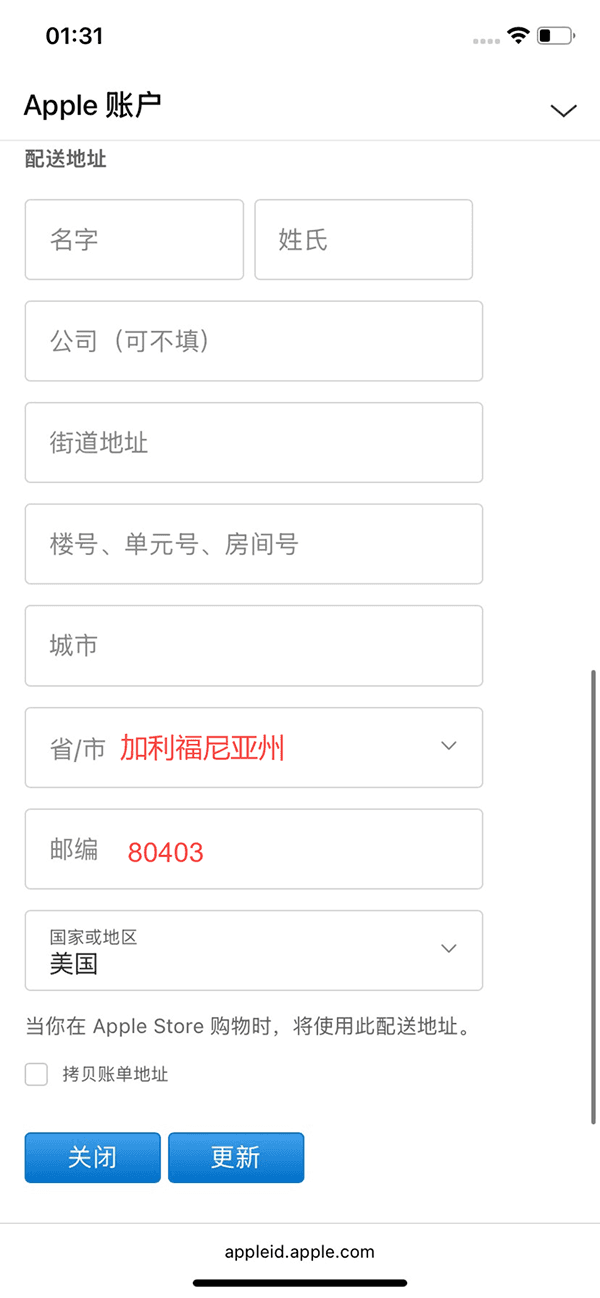
After filling in, click Update, the region switch is completed